
✅
Tasks that appear by themselves
Based on your inspections and the season, you get tasks for swarm control, feeding, varroa treatment and wintering, with dates.
Beezyhives remembers inspections, varroa, feeding and deadlines for you, and shows when the weather is best for opening your hives. On your phone in the apiary and on your PC at home.
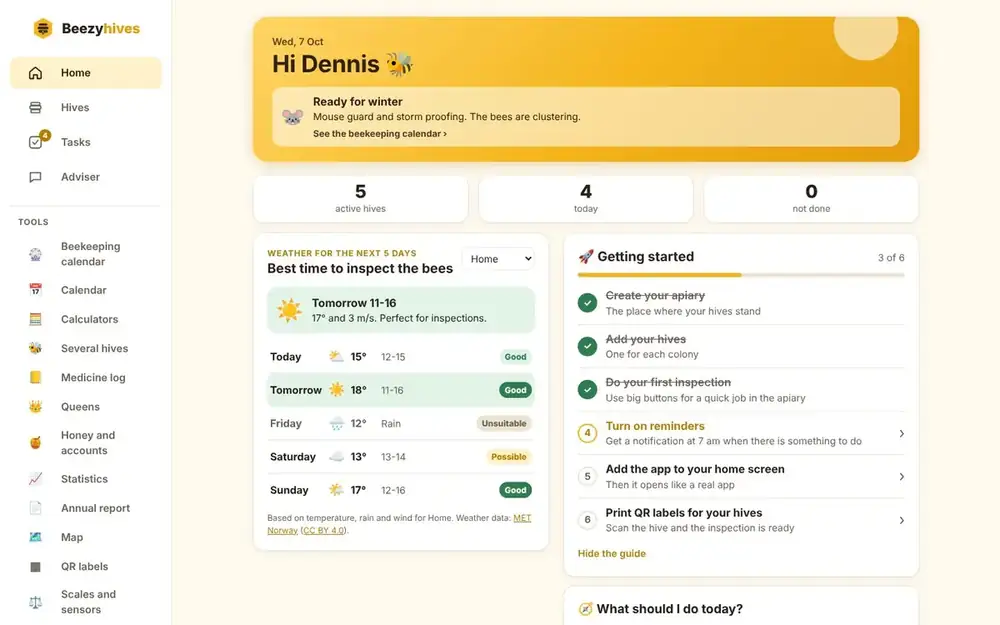
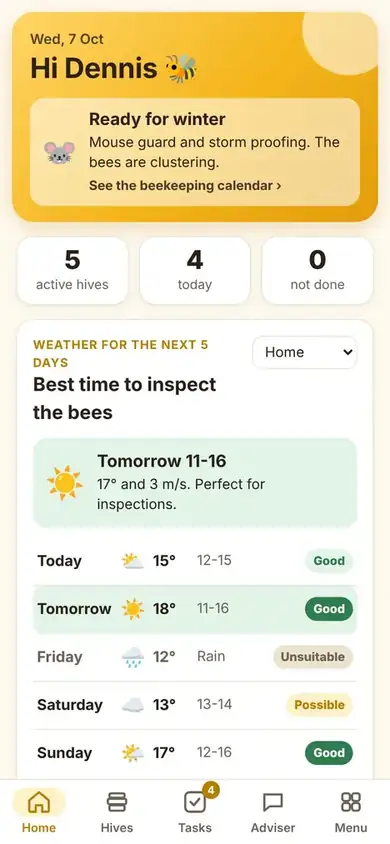
Check today's tasks, see the weather and log the inspection while you stand by the hive.
A notebook in the apiary soon gets messy. Beezyhives keeps it all in one place and tells you what needs doing, and when.
Based on your inspections and the season, you get tasks for swarm control, feeding, varroa treatment and wintering, with dates.
The weather for the next 5 days at your apiary, with the hours when temperature, wind and rain are right for opening the hives.
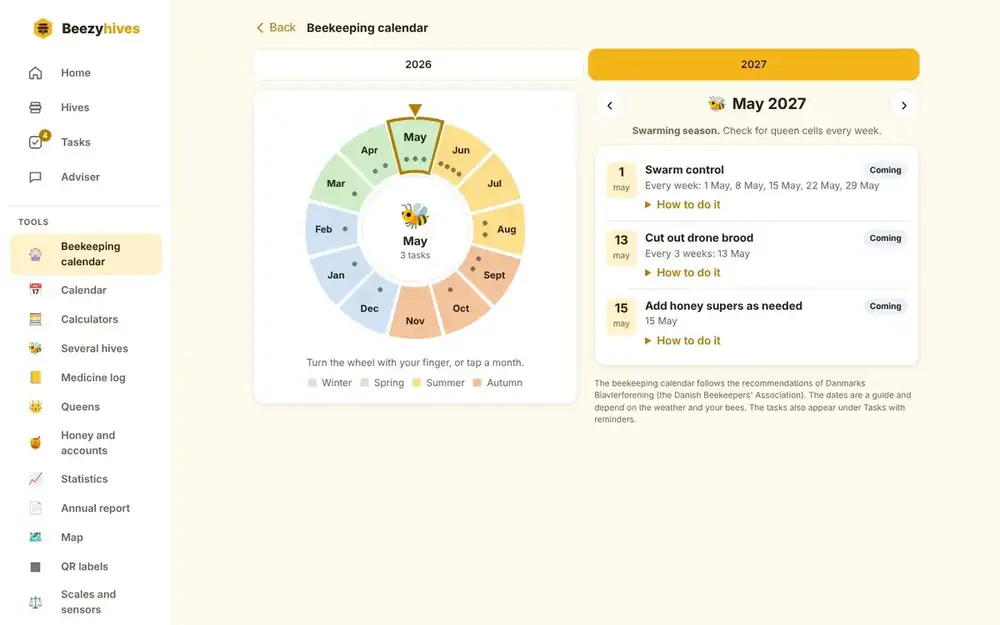
Turn the wheel and see what needs doing in the apiary month by month, with your own tasks and how far you have got.
Tap what you see, or dictate your notes with your gloves on. Queen, brood, stores and temperament are saved for every hive.
Record mite drop and treatments. You are told when the mite drop is high, and you get a treatment log you can print.
A message at 7 am on the days there is something to do, and a reminder if something was missed.
Feed or treat every hive in an apiary with a few taps, instead of one at a time.
How much feed do you need, and how much oxalic acid? Work it out on the spot.
Ask questions about your bees and get answers that take your own hives and inspections into account.
Take photos of your frames and get an assessment of brood, stores and queen cells. The inspection is filled in for you.
Print a label for each hive. Scan it with your phone, and the inspection for that hive is ready.
No signal in the apiary? The inspection is saved on your phone and sent as soon as you are back online.
Pick a month and see exactly what belongs to it, from the spring inspection to the winter treatment. The tasks are your own, so you can see what is done and what is left.
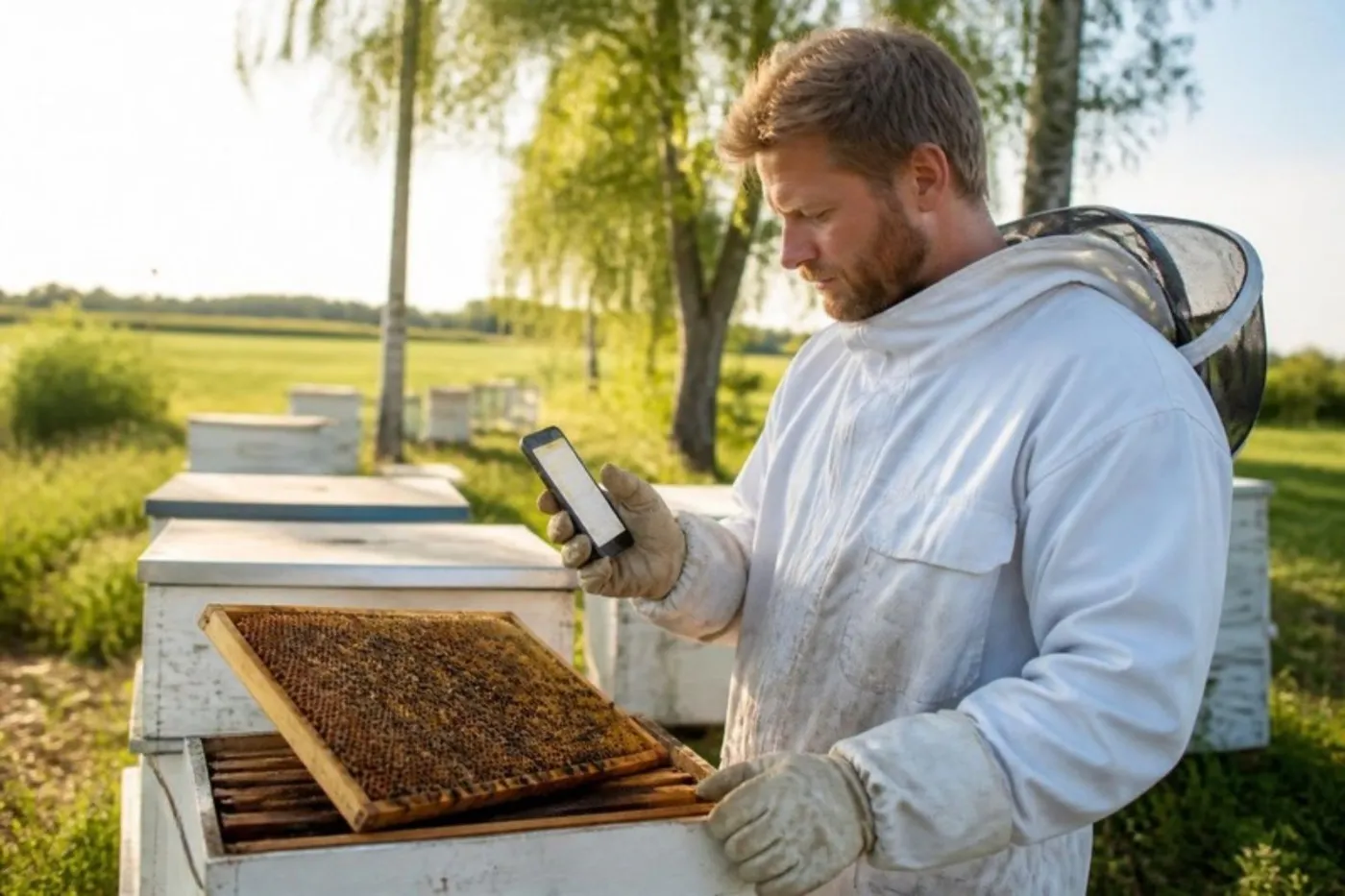
Big buttons, few fields and voice notes. An inspection takes less than a minute, and everything is saved on the hive with the date.
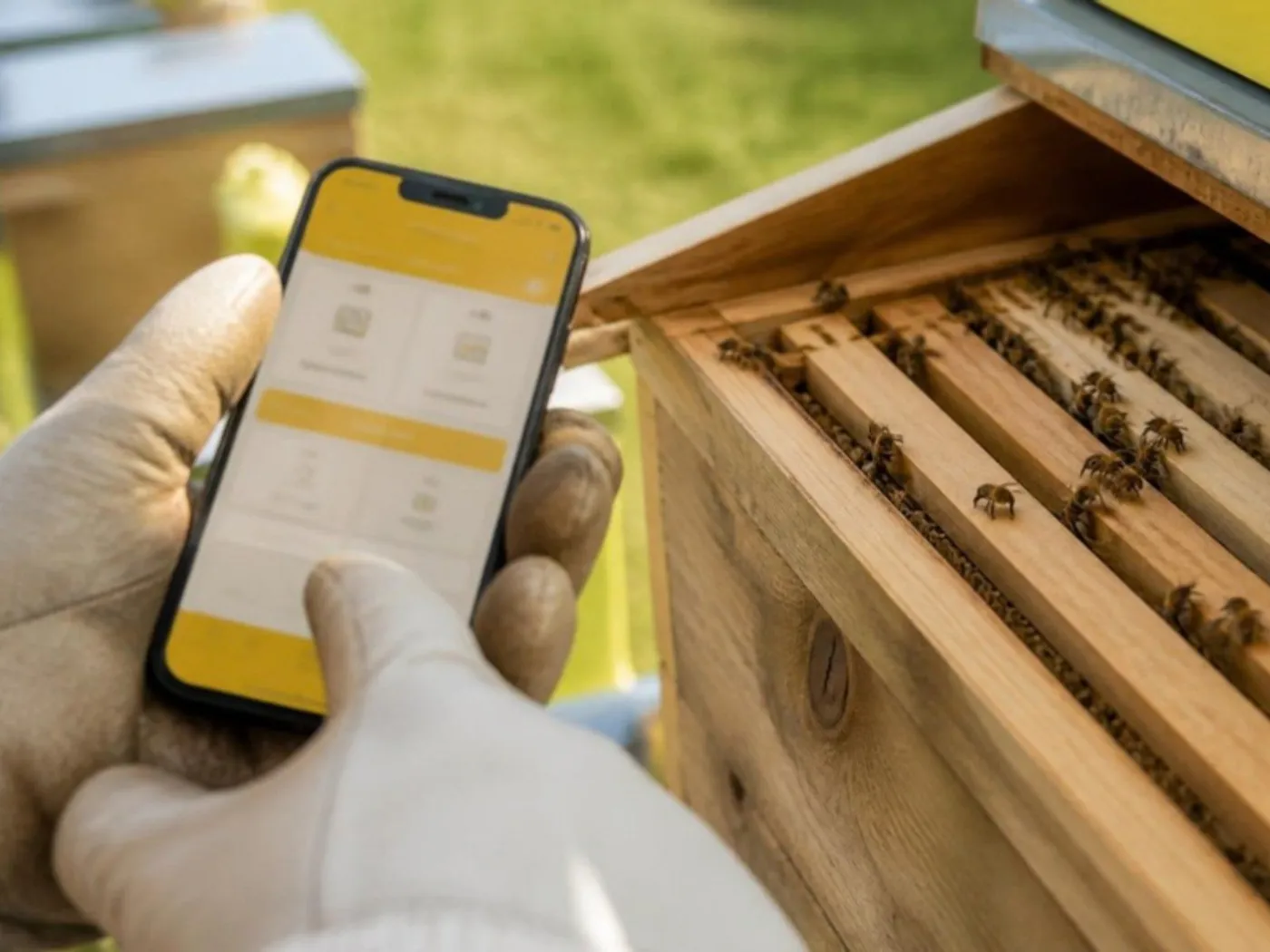
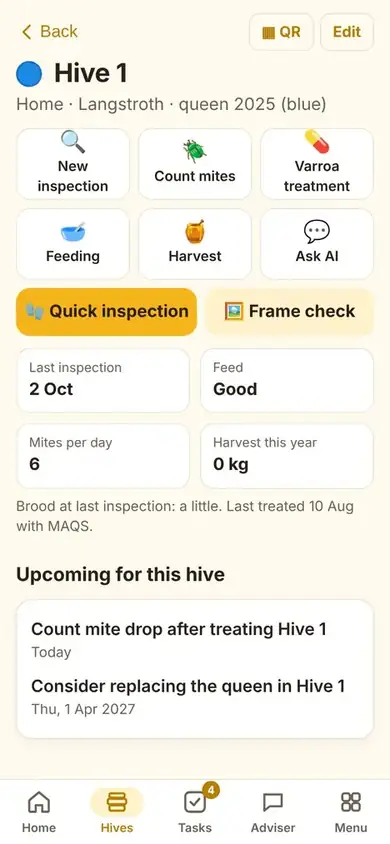
Record in the apiary on your phone, and plan the season on the big screen at home. Everything is synced instantly.
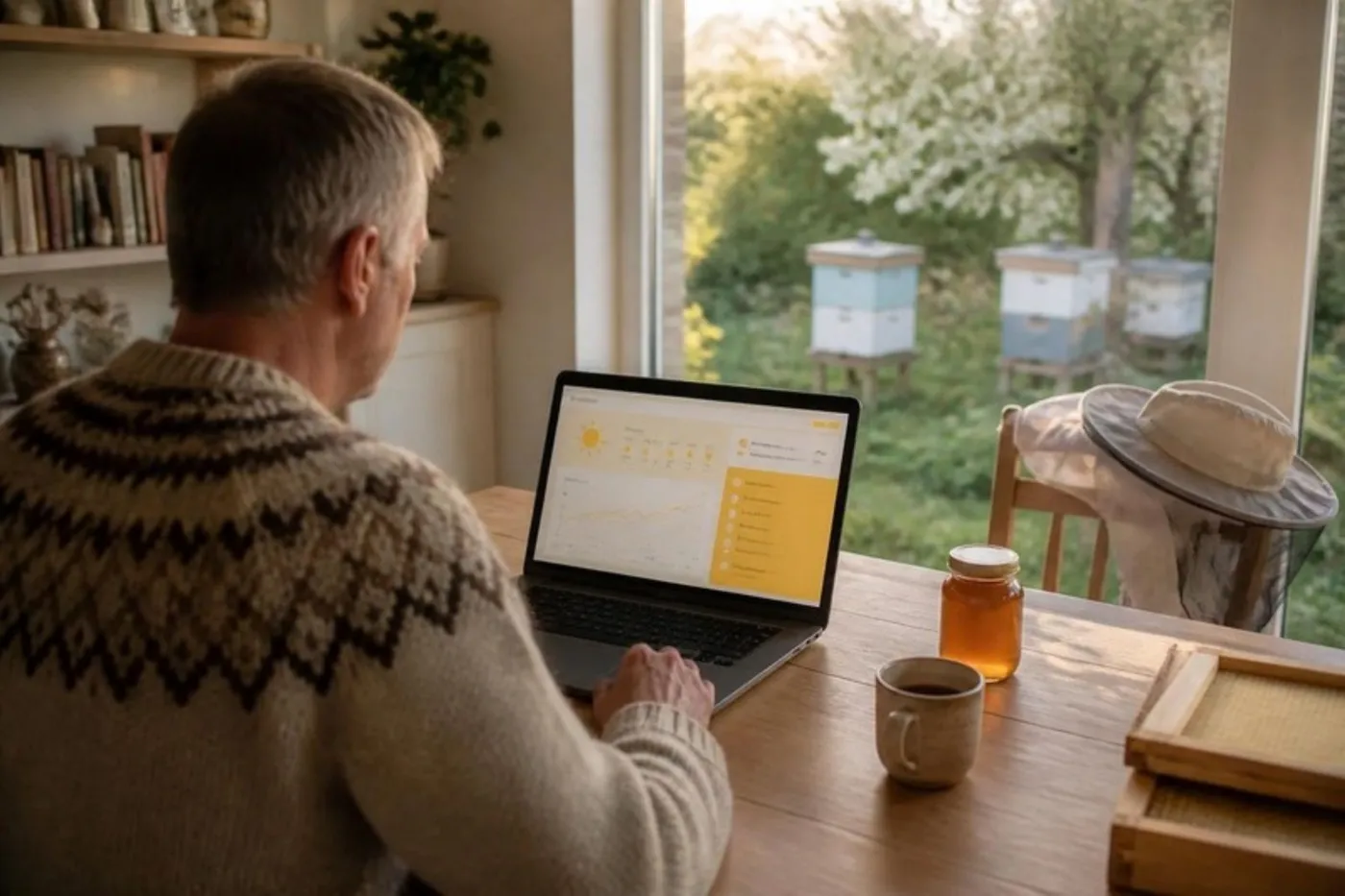
Install Beezyhives on your Windows PC or Mac. It gets its own window and an icon on the desktop, just like any other program.
✓ Beezyhives is installedIn Chrome or Edge: click the install icon ⊕ in the address bar.
Add Beezyhives to your home screen so it opens like an app. On iPhone: Share in Safari and choose "Add to Home Screen". On Android: Install app in Chrome.
You can also just log in at beezyhives.dk from any computer. There is nothing to download and no updates to keep track of.

Just your name and email. No payment details.
Enter the address, and we find the location and the weather. Add one hive for each colony.
Your tasks and seasonal calendar are created straight away, and reminders can be switched on.
Every feature in every plan. The price follows how many active hives you have.
Prices are in Danish kroner (DKK) including VAT. Paying yearly saves you at least 25%. Cancel any time.
Try everything free for 30 days with up to 2 hives. You only choose a plan when the trial ends, and your data is kept either way.
No. You sign up with just your name and email and get 30 days free with every feature. The trial covers 2 hives. If you want to continue afterwards, you choose a plan.
It is kept. You can still see your hives and inspections, and when you choose a plan you carry on where you left off.
Yes. You log in with the same account on all your devices and everything is synced. On a PC you can install Beezyhives as a program with its own window.
No. Beezyhives opens straight in the browser, and you can add it to your home screen or desktop so it behaves like an app. It updates itself automatically.
It depends on the plan: up to 2 during the trial, up to 5 with Hobby, up to 15 with Plus and unlimited with Pro. Dead, sold and merged hives do not count, and the number of apiaries is unlimited.
Under Menu and Subscription in the app, or under Subscription in the side menu on a PC. Your subscription runs until the end of the period you have paid for.
Yes. Inspections you record without coverage are saved on your phone and sent automatically when you are back online.
Yes. With a monthly subscription you can put it on winter pause from October to February, until 1 March. You pay nothing during the pause, and your data and reminders stay.
Beezyhives is available in English, Danish, German, Swedish, Norwegian, Spanish and French, and you can switch language at any time.
Prices are in Danish kroner (DKK) including VAT, as Beezyhives is run from Denmark. Your card is charged in DKK, and your bank converts the amount.
Create a free account in under a minute, and get an overview of your hives today.